For the past 12 or so years, the AT86RF23x 802.15.4 radios have been my go-to
for low-power digital communication. They work pretty well, and I have a good
software stack and protocols built up around them (which my friends decided
should be called “Bri-Fi.”)
They’re sort of expensive, though—the bare chips are a few dollars each and
modules were at least $20-30 last I looked. On a fully custom sensor board
they’re not that bad, but for random side projects where I just want two things
to talk to each other wirelessly, the cost of the chips and doing an RF layout
are kind of annoying.
I’ve been seeing a lot of Nordic’s nRF24L01+ radios in the maker community. It
seems there’s a pretty good Arduino library and the modules are available super
cheap. I think I got five complete modules for about what I’d pay for one of
the RF233 chips.
Anyway, I’m playing around with these modules and put together a couple of
quick PCBs to try them out. I’ve been getting pretty good results milling
boards at home using my little CNC router, so I thought I’d snap a few photos
and write a “quick” blog post. This board is a little USB-to-RF bridge based
around the ATmega32U2. If this works, it’s going to be the computer side of a
custom user input device.
Not an ideal layout for an RF board, but some compromises are
generally required to make things work in a single layer.
Last week, lightning struck at Tidmarsh, the
former cranberry bog where I’m conducting experiments for my Ph.D. research on
sensor networks. We’ve had some nearby lightning strikes before that have
caused some minor equipment damage (it’s one of the perils of working in this
environment) but nothing quite so major as this. We have some protection
against lightning—perhaps not as much as we should have, but it can be quite
challenging when we have many cables extending out over a large area.
I was actually there on site when it happened, making myself a cup of tea in
the guesthouse. I was looking the wrong way to see the actual bolt, but saw a
flash and heard the thunder instantaneously, so that must have been it.
We lost pretty much the entire audio installation at the former impoundment.
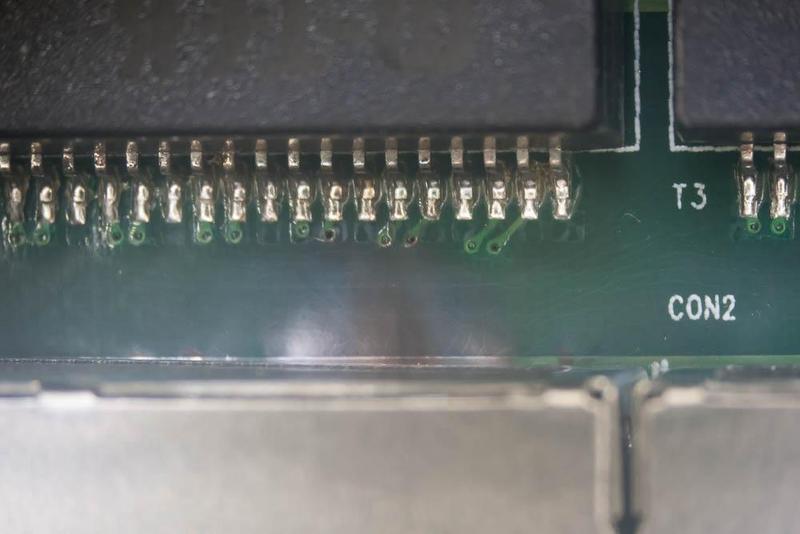
Closer examination of the damaged equipment tells the story of the path the
current took.
I don’t think anything was hit directly, or the damage would have been even
more extensive. Most likely, the lightning hit the ground very close to where
one of our cameras is out in the marsh. That traveled about 150 meters through
a CAT6 ethernet line, into port 4 on the switch in the south box:
For one of my home desktop setups, I have very particular keyboard
requirements. Since I put the keyboard in my lap (there’s no desk/table, the
monitor is suspended on a cantilevered arm) the pointing device needs to be
integrated into the keyboard itself. I’ve become less of a fan of trackpads
over the years, especially the terrible ones that are integrated into cheap
wireless keyboard combos like the ubiquitous Logitech K400. Furthermore, as
it’s a Linux machine and I’m very accustomed to the X11 clipboard, which uses
the middle mouse button to paste, I want a physical middle button. I’ve only
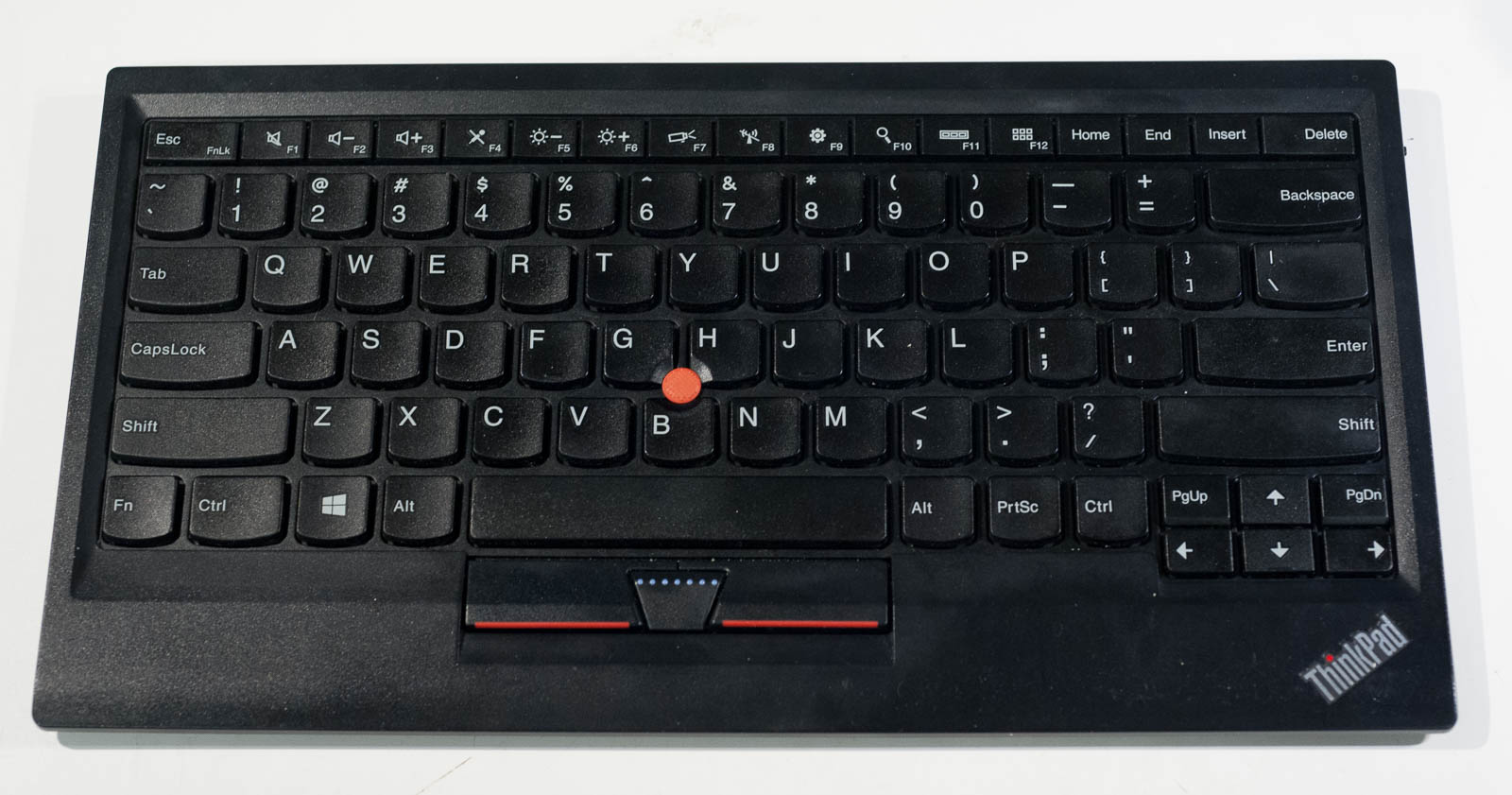
found one wireless keyboard that meets those requirements, and it’s Lenovo’s
bluetooth keyboard with a TrackPoint:
I like the keyboards and TrackPoints on my ThinkPads, so it’s nice to have the
same setup. Unfortunately, the wireless keyboard is a bit of a regression from
the ones on my ThinkPads: it lacks the row above the function keys, the
function keys have tiny markings with big icons for their secondary functions
(which I don’t care about) and the build quality is overall not as good as
older ThinkPads. I also don’t like Bluetooth (pairing is complicated, and it
doesn’t work in the bootloader/BIOS). But, it works. Well, it did, at least
until my TrackPoint stopped working one day. The keyboard continued to work,
but the TrackPoint started drifting incessantly to the upper left no matter how
it was deflected, followed by ceasing to work altogether (including the
buttons) a couple of days later.